Sales & quotations
Customers, quotations and revisions, orders, invoices and receipts. Connected from the first conversation to the payment.
- find_customers
- create_quotation
- convert_quotation_to_so
- create_invoice
Connect your AI agent to the tools that run your business: sales, purchasing, stock and finance. Permission-scoped over MCP, with a preview before every write.
An illustrative demo of an AI agent using Yunero’s MCP tools with sample data. No live AI call is made. Choose a prompt below to see the steps.
Real business tools your agent can call. Not screen scraping.
How it works
Your agent does the legwork. You keep the final say on anything it writes.
Create an access token in Settings, Connected Agents. Set each module to off, read or write (catalogue and reports are read-only). Company limits and each person’s role still apply, and you can revoke the token at any time.
Ask in plain words. The agent calls Yunero tools such as find_customers and search_items as you, inside your company, under the same row-level security as the app. It never sees another company’s data.
Write tools only stage the action. You see the customer, lines, totals and any warnings, such as a customer over their credit limit. Blocked customers and zero prices are refused outright.
Writing takes a separate call to confirm_action, and the agent is told to ask you first. The token is single-use, expires in 15 minutes, and your access is checked again before anything is written.
The app
Agents prepare. Your team works in the full app, with every record in one place.
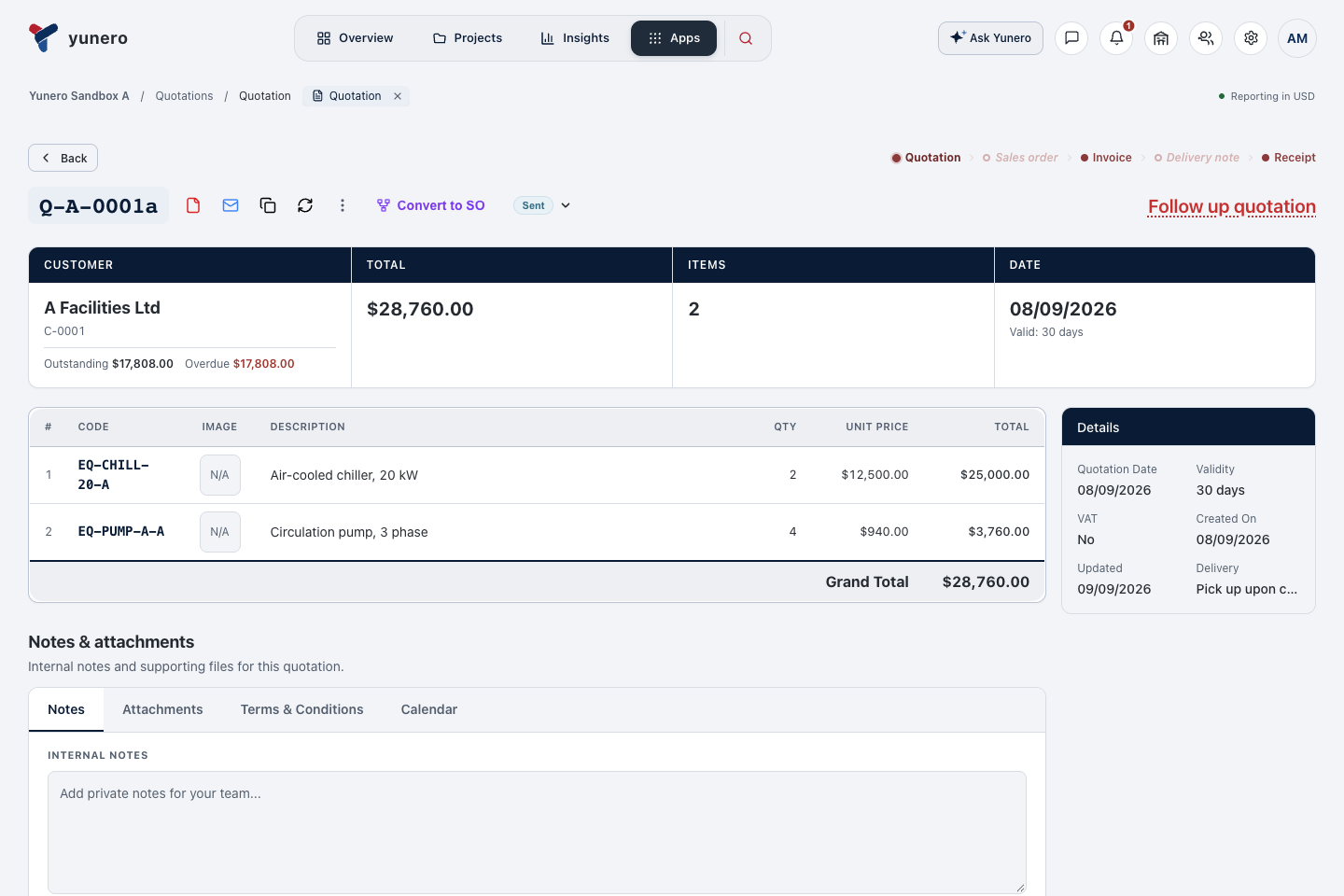
Keep customers, equipment, pricing, and quotation revisions together. Carry the work forward into orders, invoices, and receipts.
Modules
Your team gets every screen. Agents get the tools shown on each card.
Customers, quotations and revisions, orders, invoices and receipts. Connected from the first conversation to the payment.
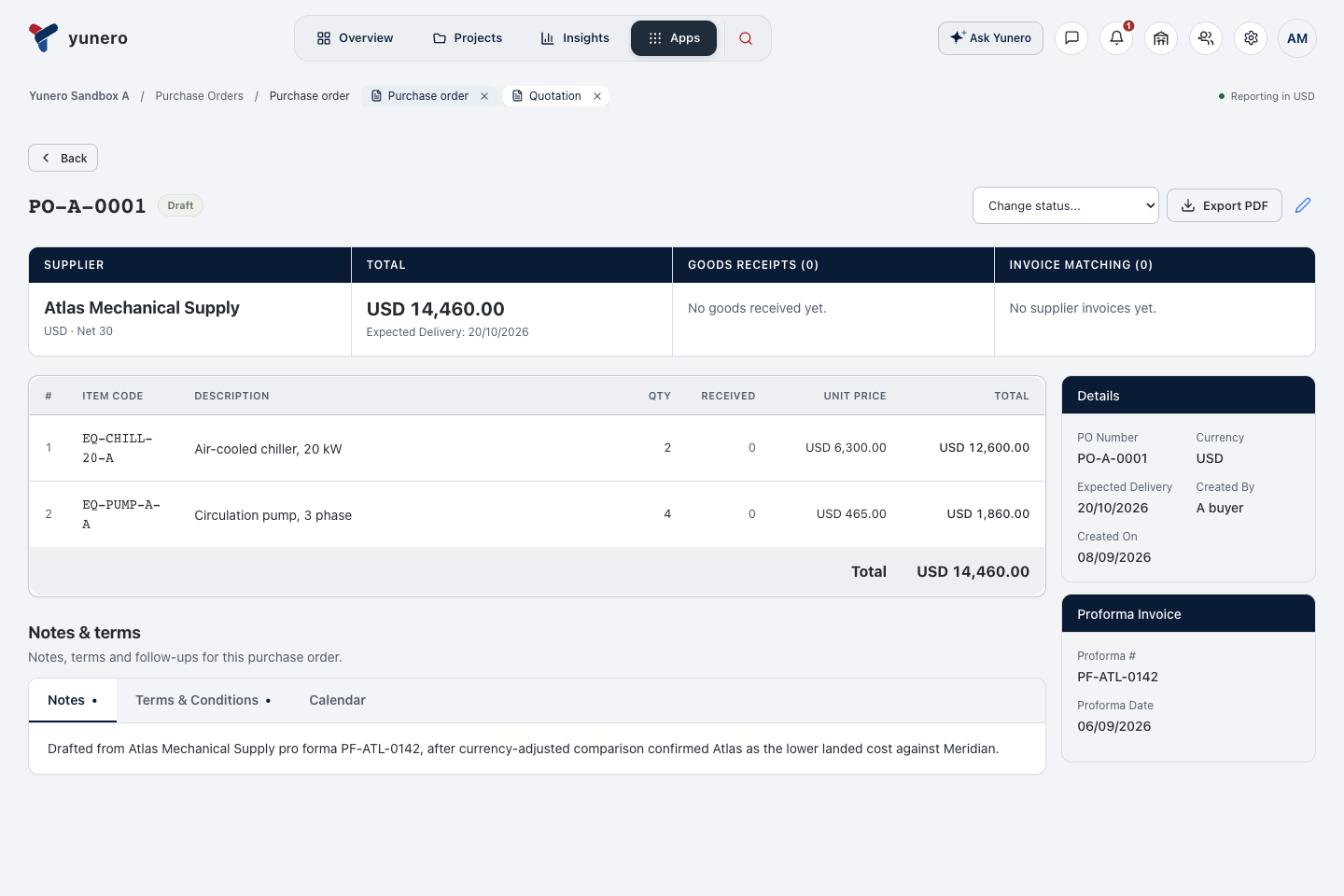
Suppliers, requests for quotation, purchase orders and goods receipts.
Product details, supplier information, and stock across your warehouses.
Invoices, journals, financial reports, and expenses alongside your operations. Every receivable traced to its record. E-invoicing coming soon.
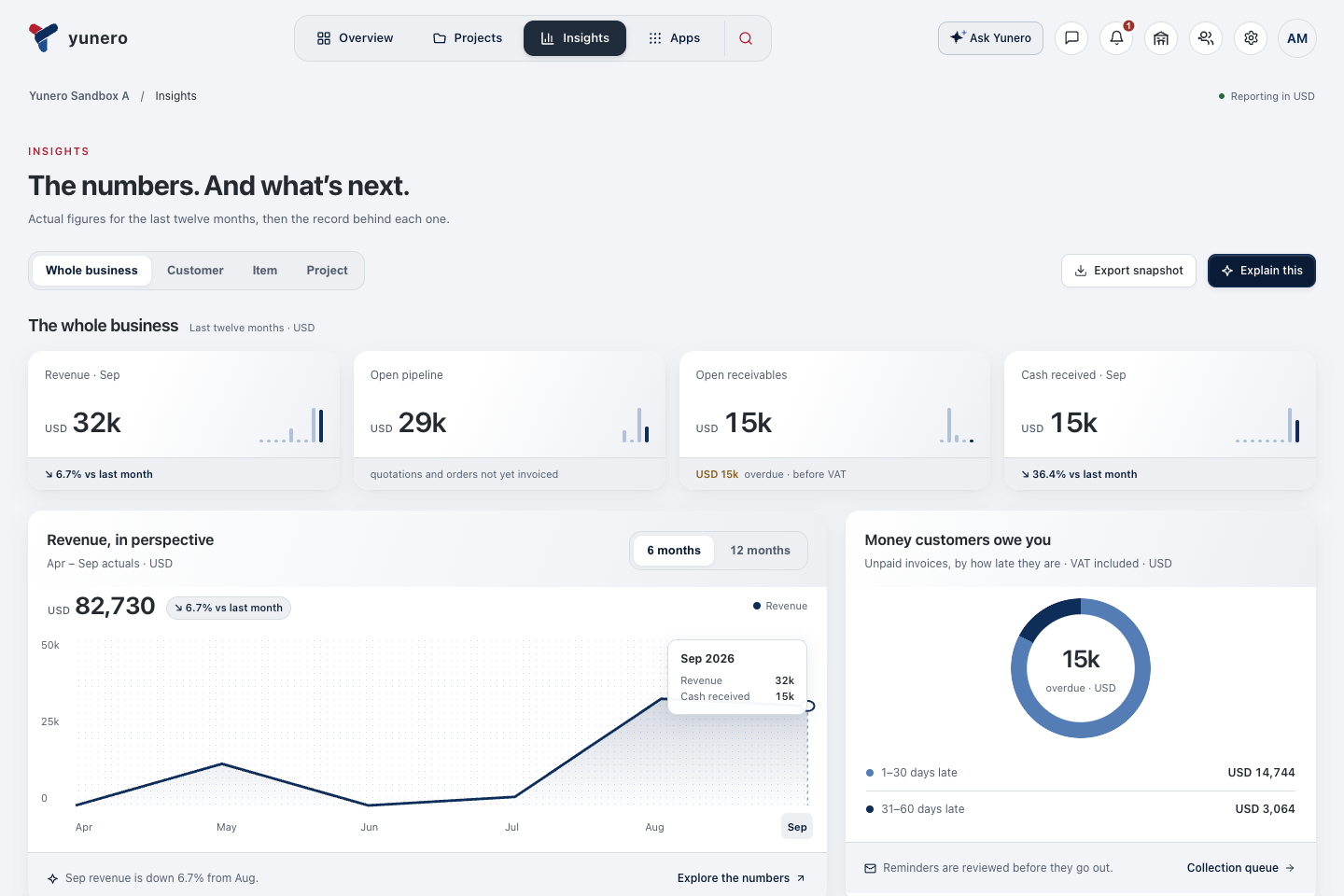
Revenue, pipeline and receivables, with the records behind each number.
Roles for your team, module-by-module access for every connected agent, and a token you can revoke at any time.
Made for equipment suppliers
Different brands. Multiple suppliers. Changing specifications. Equipment businesses have a lot to coordinate.
Yunero brings the commercial work together, from the first customer quotation through purchasing, stock, delivery, and payment.
Equipment suppliers are our starting point. The connected sales, purchasing, inventory, and finance workflows serve broader business teams too.
Pricing
Start with a 14-day free trial. No card needed.
For small teams getting organized.
$15/ month
For growing businesses.
$37/ month
For larger teams with high volumes.
$179/ month
Prices exclude VAT, which is added at checkout.
FAQ
Looking for something else? Press / to search the page.
The Model Context Protocol is a common way for an AI client to use tools from another system. Yunero exposes specific business tools through MCP, so a configured agent can look up records or prepare a supported action without you copying the information into a chat.
Read-only access lets an agent retrieve information. With write access, supported actions use two steps: a preview, then a separate confirmation. The connected agent should show you the preview and ask for your approval before confirming. You can revoke its token in Yunero.
Nothing is written until the confirmation step. Previews carry warnings, such as a customer over their credit limit, and some mistakes are refused outright, such as a blocked customer or a zero price. Confirmation tokens are single-use and expire after 15 minutes.
No. Every call is scoped to the company and user bound to the access token, under the same row-level security as the Yunero app your team uses.
Yunero includes setup instructions for Claude Code, Codex, and Cursor, using an HTTP MCP endpoint and an access token. Other clients need to support the same connection method. Claude’s web and mobile connectors and ChatGPT require OAuth, which this token-based setup does not support yet. OAuth support is coming soon.
No. Your team can work directly in Yunero’s sales, purchasing, inventory, and finance screens. Connected agents are an optional way to work with supported records and actions.
Equipment suppliers and distributors are the lead use case, especially businesses coordinating several brands and suppliers. The underlying workflows (customers, quotations, purchasing, stock, invoicing, and reporting) also fit other trading and supply businesses.
Coming soon. Yunero issues VAT invoices and PDFs today, but it does not yet send invoices to a tax authority or an e-invoicing network. Saudi Arabia (ZATCA), the UAE, France and Peppol are on the way, country by country.
Start with a 14-day free trial. No card needed.